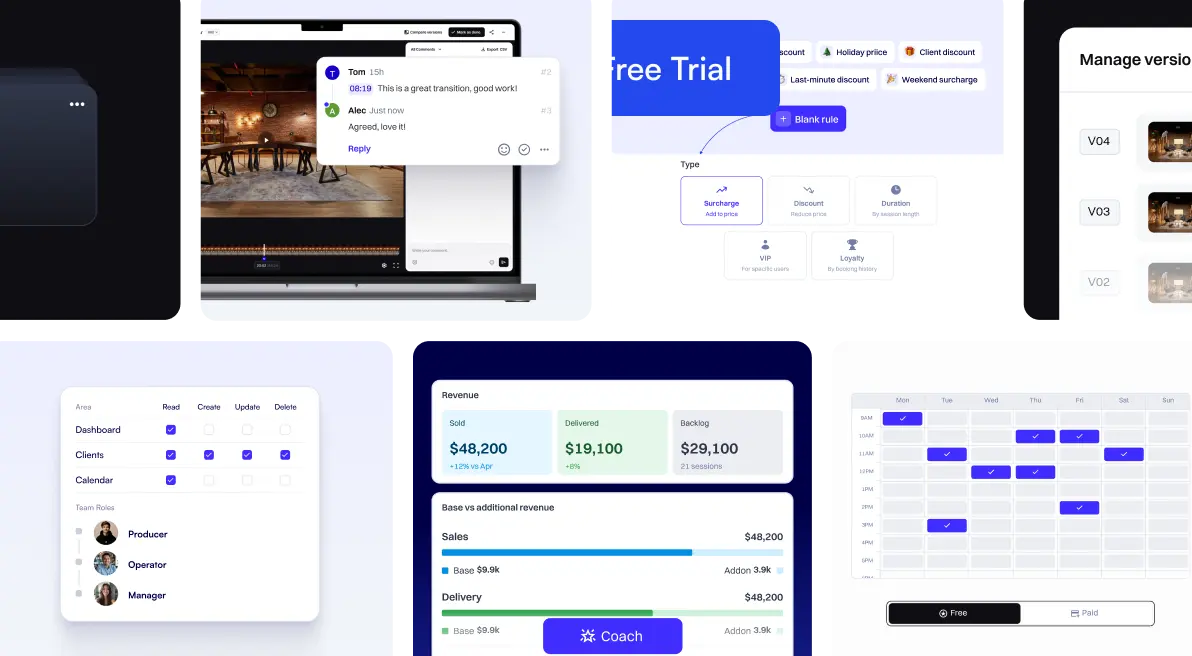
Every studio has that one detail they always have to chase clients for after a booking lands. Required pre-recording needs. Physical branding materials. Topic of the episode. The list is endless, and the back-and-forth eats up your week.
This release fixes that, with one focused update designed to put the right information in your hands before the session ever starts.
What's New This Release
📝 Custom Forms In The Booking Flow
Stop chasing client details after the booking is in. Studio admins can now build custom forms to collect exactly the information they need, right inside checkout.
What your clients see:

What you see while creating the form:
.png)
- Build forms with text, single-select, and multi-select questions to capture preferences, requirements, or session context.
- Mark any question as mandatory or optional — fully your call.
- Fewer follow-up emails before sessions. Better-prepared studios on session day.
🚀 See It For Yourself
Hop into your Podyx admin panel, head to Studio Settings, and under the Booking tab, scroll down to Booking Form to utilize this feature.
Want a walkthrough of the new custom booking forms - plus a tour of the rest of the Podyx platform? Book a free 30-minute session with our team.
Try Podyx free for 30 days and put custom booking forms to work in your studio from day one. No credit card required.
.jpeg)
.jpeg)